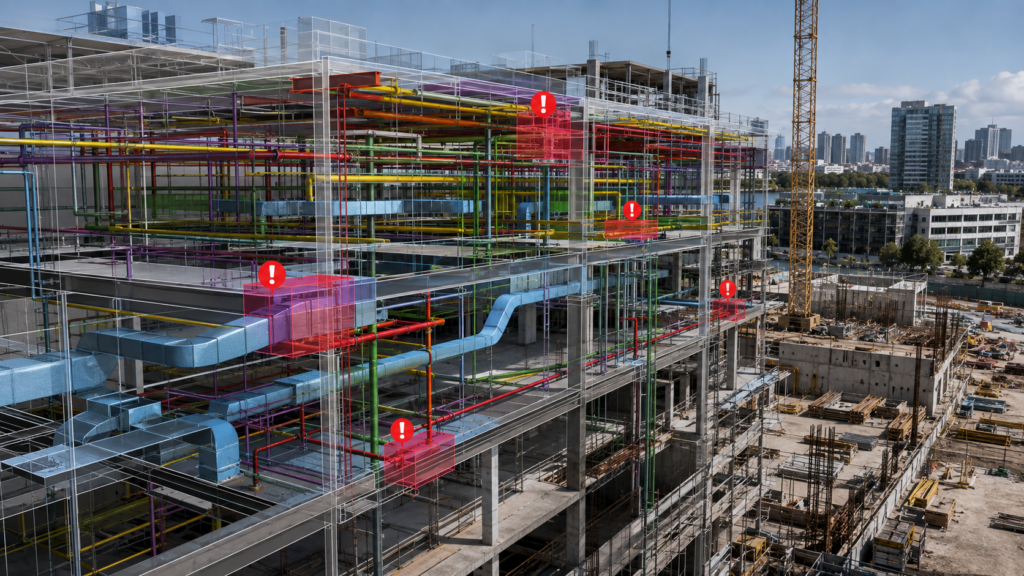
Open BIM Model Checker helps project teams inspect multidisciplinary BIM models, identify clashes, document issues and coordinate corrective actions through BIMserver.center.
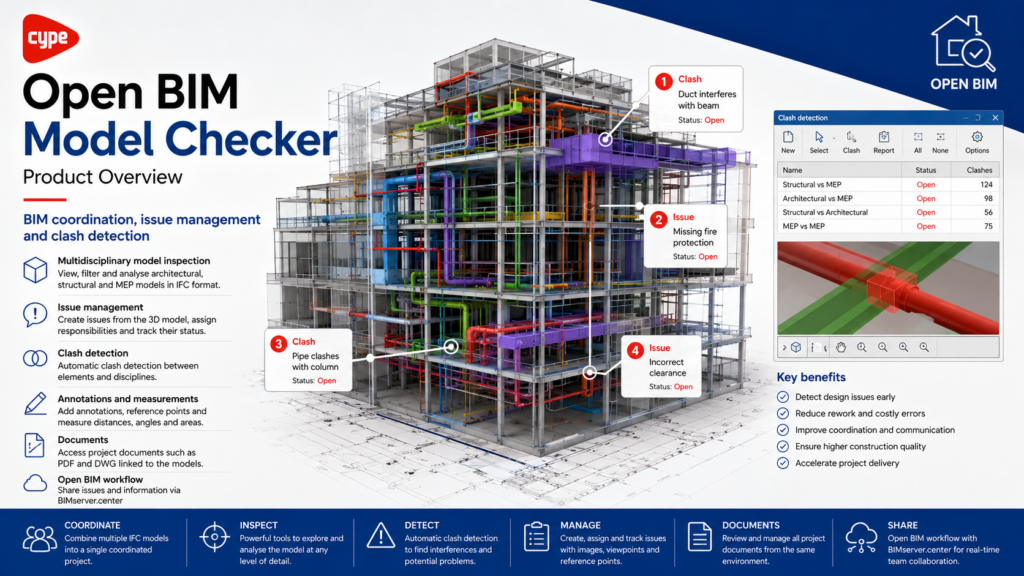
Open BIM Model Checker is a BIM coordination and model-verification application for reviewing multidisciplinary project models before issues reach the construction stage. It combines model inspection, issue management, clash detection and project-document checking within an Open BIM workflow.
Overview
Open BIM Model Checker is a BIM coordination and model-verification application designed to identify problems before they affect construction.
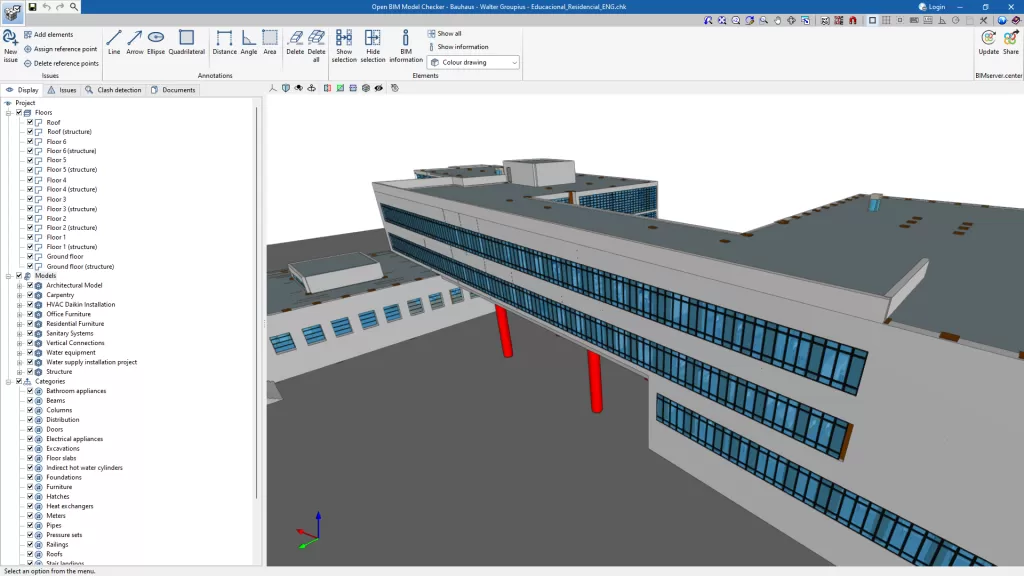
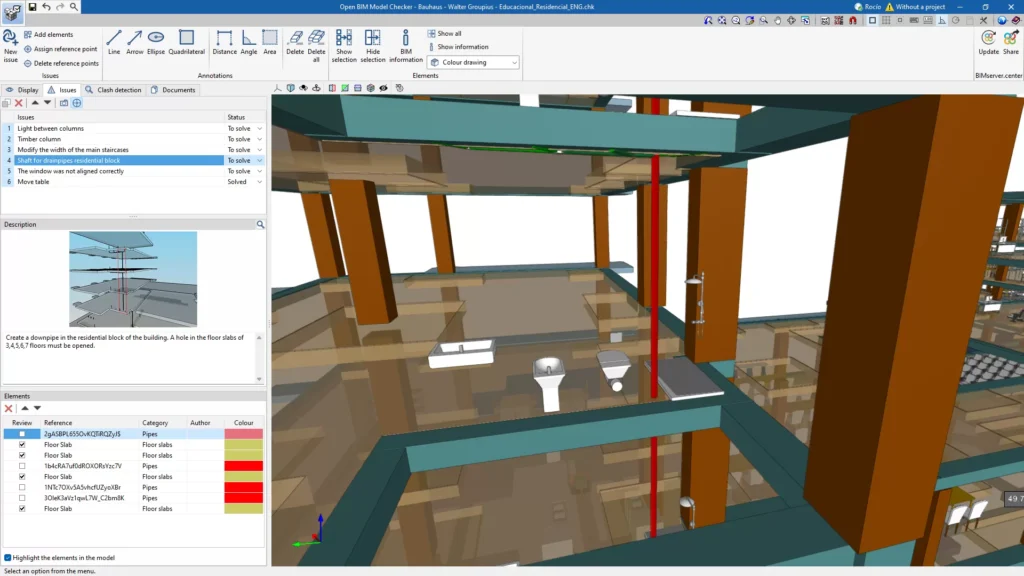
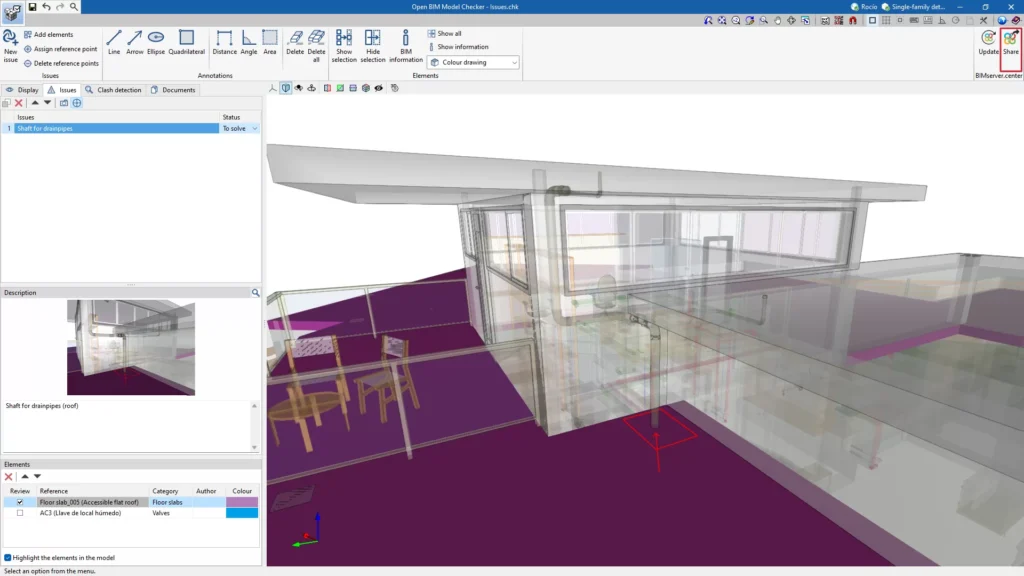
Users can inspect multidisciplinary 3D models, create and assign issues, review BIM information and automatically detect clashes between elements from different disciplines. Models can be filtered, isolated or displayed by floor, discipline and category to simplify project reviews.
Issues and coordination information can be shared through BIMserver.center, allowing architects, engineers and other project participants to review problems, make corrections and track their resolution within a collaborative Open BIM workflow.
Applications
Multidisciplinary BIM model review
Automatic clash detection
Issue creation and management
Structural and MEP coordination
BIM element information inspection
Model filtering and visualisation
Design-error identification
Project document checking
Issue tracking and resolution
BIMserver.center collaboration
Product Resources
Watch the official product video or download the technical datasheet for more detailed information.